Category:
UX Design, Data Visualization
Created For:
Mater thesis
Background
This project started as my master’s thesis at Leiden University and quickly became one of the most meaningful pieces of work I’ve done in the intersection of research, design, and social impact. I wanted to explore how UX design could help make complex algorithmic bias—especially in predictive policing—more tangible for everyday users. The result was an interactive web-based game that simulates how machine learning bias reinforces itself and becomes a runaway feedback loop.
The Challenge
Predictive policing algorithms are increasingly used to allocate law enforcement resources. But these systems can be deeply flawed. Biased historical data can feed into these algorithms and create a loop: the more police are sent to a neighborhood, the more crime is “found” there, further justifying future deployments. It’s hard to explain this clearly without losing people in technical jargon.
So I asked myself: How might we let users feel algorithmic bias instead of just reading about it?
Turning Research into Interaction
Through early user research, I discovered that non-technical users had a hard time grasping the concept of feedback loops and algorithmic reinforcement. However, when shown interactive simulations, their understanding and retention improved significantly.
I drew inspiration from tools like ProPublica’s COMPAS exploration and a few academic papers on algorithmic injustice. But I wanted to go beyond passive exploration—I wanted users to make choices and see the consequences unfold.
Game Mechanics and User Journey
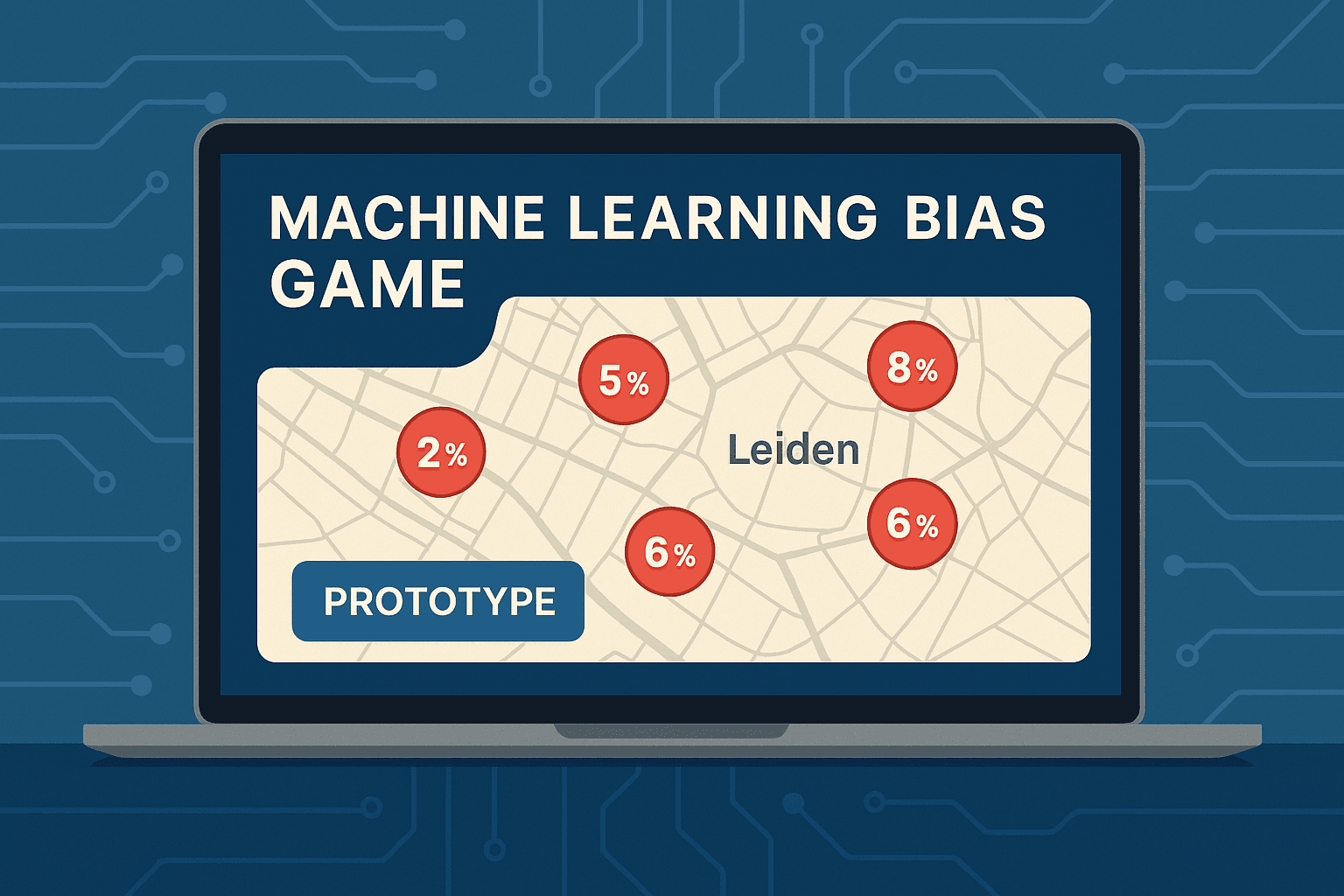
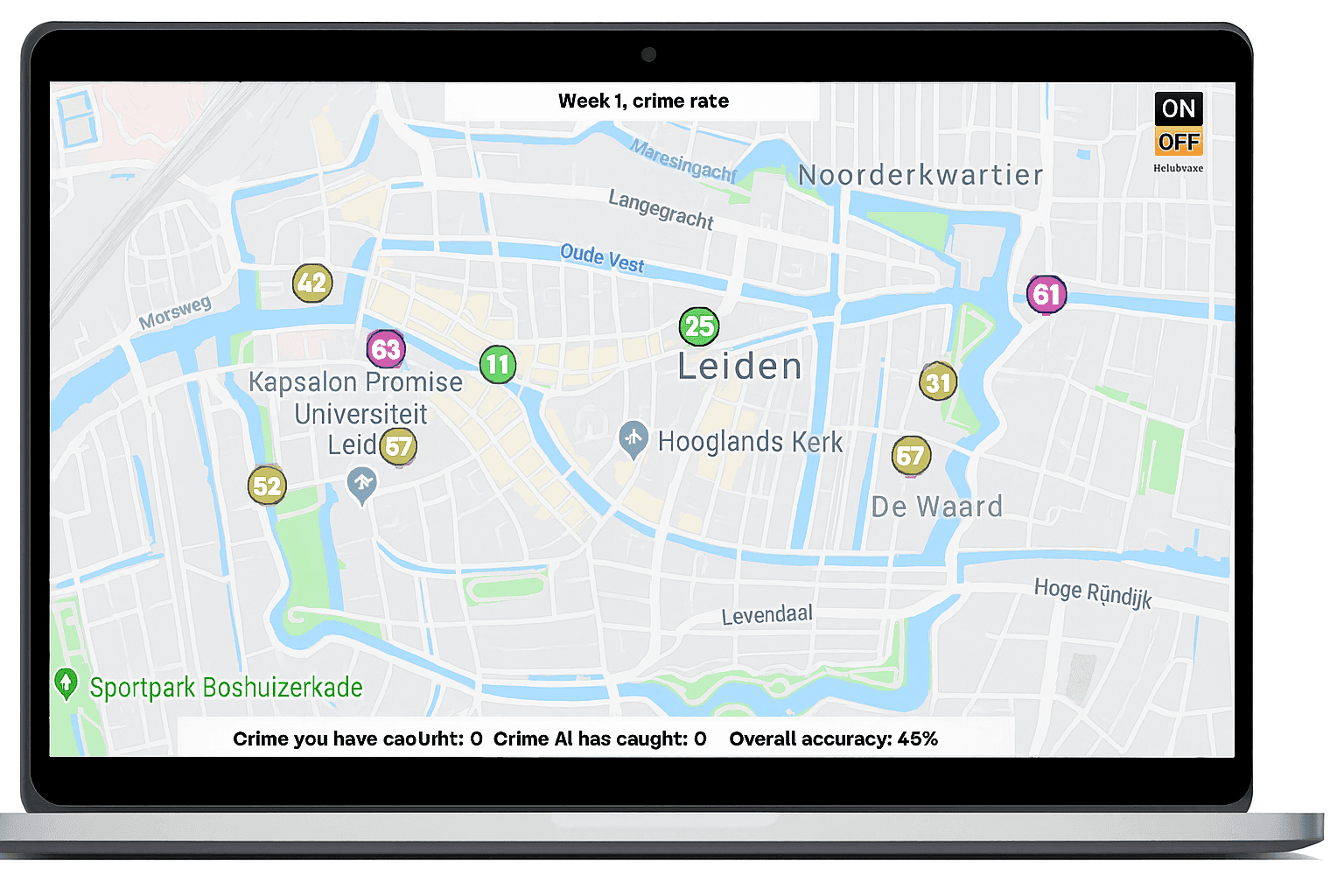
The game starts with a map of Leiden, divided into multiple zones. As a player, you act as a decision-maker: where do you send police units, based on the system’s crime predictions? With each decision, the algorithm “learns” and adapts—but with built-in bias.
Over time, users notice that some areas disappear from the map’s focus, while others become oversaturated with attention. This is the feedback loop in action.
Later in the game, a randomization tool is introduced. Players can test what happens when randomness is added to decision-making, helping to mitigate the bias.
UX & Visual Design Choices
I kept the interface simple and visual. Red circles indicated predicted crime rates, which updated in real-time based on player decisions. The design used high-contrast color schemes and clear labels to make the experience accessible to a broad audience.
To make the concept even clearer, I relied on progressive disclosure—zooming in as the algorithm’s focus narrows, helping players recognize how bias forms and compounds over time.
The game also featured:
Week-by-week scoring
Immediate feedback on choices
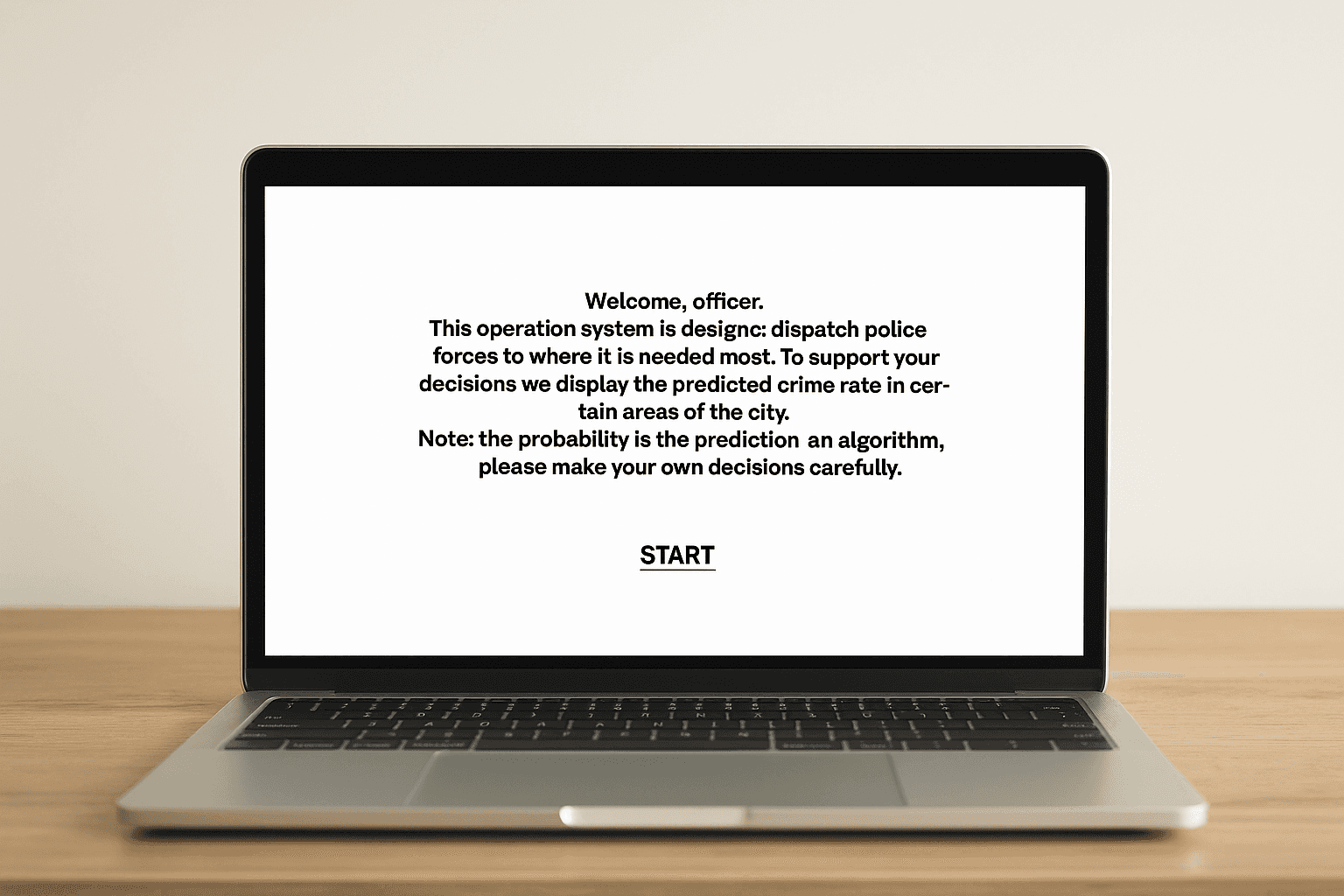
A tutorial phase to introduce the mechanics
This wasn’t just a game—it was an experience designed to teach through doing.
Implementation & Technology
I built the project using JavaScript and Processing.js. The logic behind the feedback loop was modeled on real-world algorithm behavior, with weighted probabilities for crime occurrences and bias amplification formulas.
You can try the prototype here.
The system calculated and visualized:
Predicted vs actual crime rates
How the algorithm adapted to user input
The impact of randomization on bias
This was also a great exercise in performance optimization—ensuring the map responded quickly, clicks were intuitive, and the visual feedback was instant.
User Testing and What I Learned
I conducted testing sessions with users who had no technical background. One test participant, an assistant manager in retail, helped uncover key insights.
In the first session, they blindly followed the algorithm’s recommendations and lost. They didn’t initially understand why some areas disappeared. In the second round, they discovered the randomization feature, beat the AI, and reflected: *"I thought I was doing the right thing the first time, but I was actually reinforcing the bias."*
Based on this, I made several iterations:
Added clearer instructions on the randomization tool
Enhanced visual cues to make selections persist across rounds
Improved explanations about how and why bias grows
Outcomes and Reflections
This project wasn’t just about visuals or tech—it was about impact. After playing, users consistently walked away with a stronger understanding of algorithmic bias and how easily it can spiral out of control.
The experience changed behavior: instead of trusting AI blindly, users started thinking more strategically. They realized that fairness isn’t always built into algorithms—and that thoughtful human intervention is crucial.
If I were to take this further, I’d love to:
Integrate real-world datasets
Add an analytics dashboard showing longer-term trends
Conduct large-scale user testing and bring the tool into classrooms
Final Thoughts
We often try to explain complex topics like machine learning bias through text or lecture. But this project reminded me: some ideas are better felt than told.
Through thoughtful UX, storytelling, and interaction, I turned academic research into an engaging, memorable experience. It’s a great example of how design can bring abstract issues to life—and hopefully, spark conversations that matter.